
Sheetmancer
The one-line version
Sheetmancer turns photos of your paper character (up to 10 pages per scan) into an editable digital character on all your devices, for any game system.
See it work (45 seconds)
The whole flow in one short cut: a paper character on the table, the scan, and the finished digital character, captioned, 45 seconds. There's a GIF version for chat and Discord here: press-demo.gif.
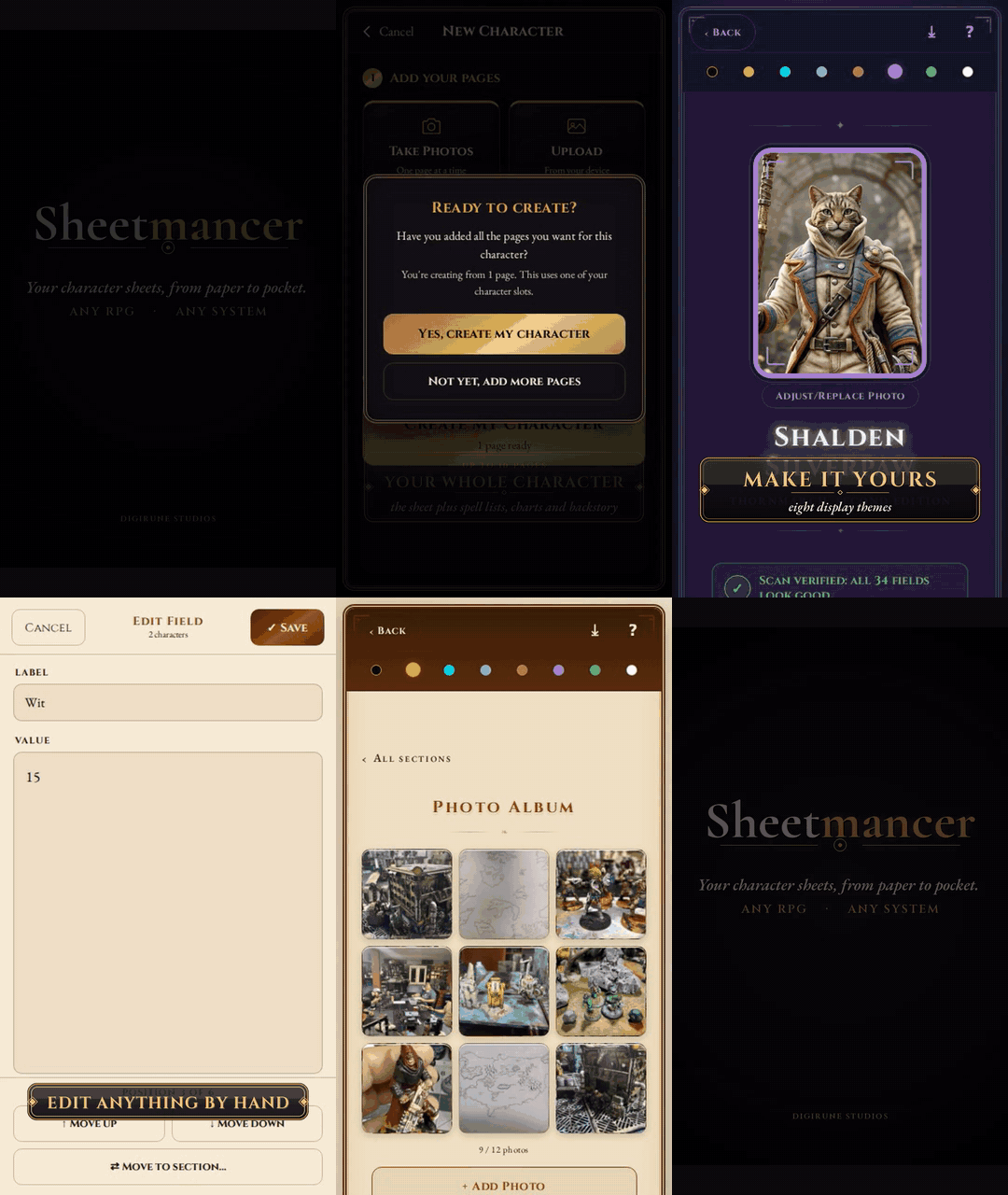
Screenshots
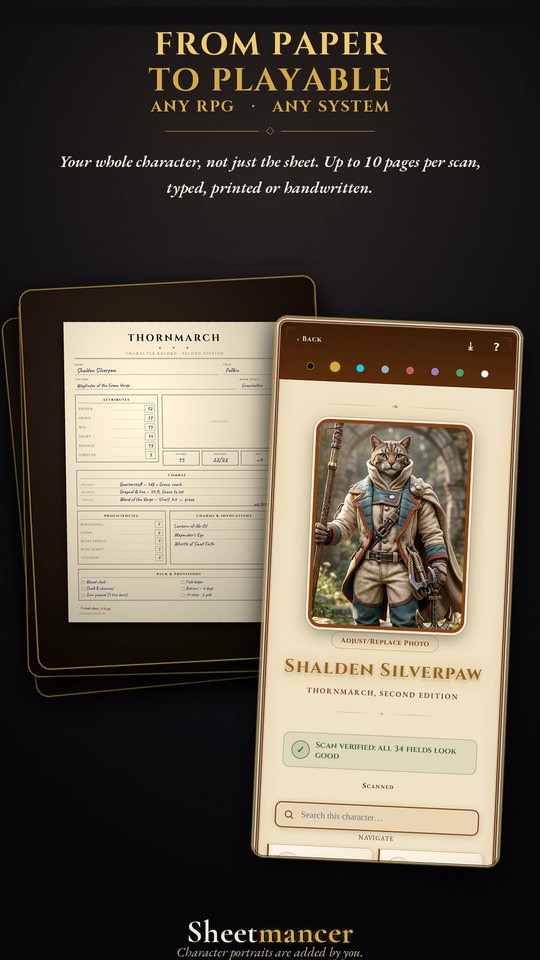
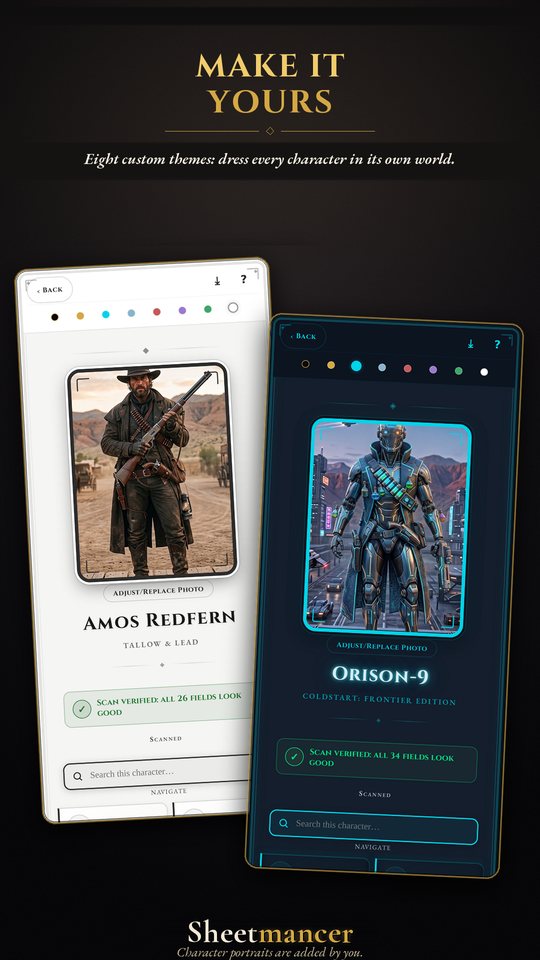
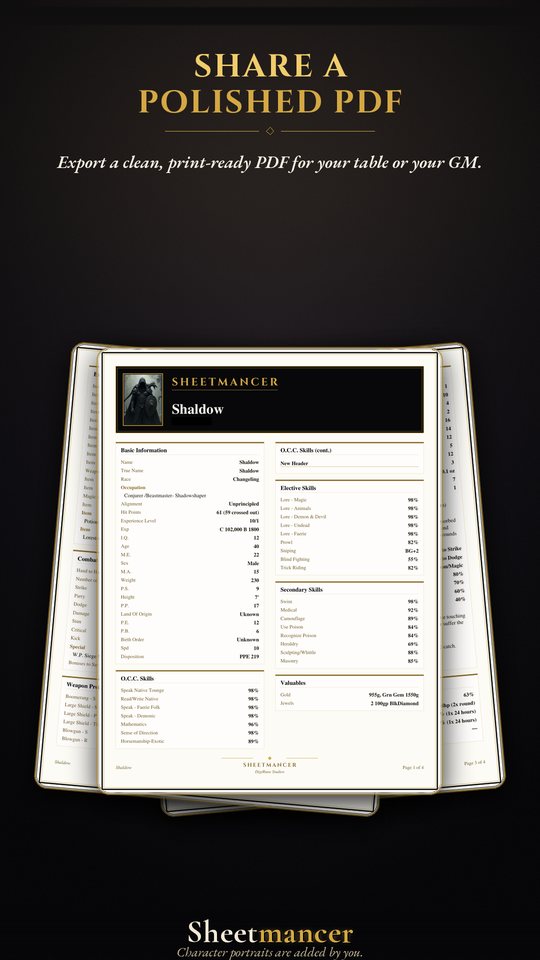
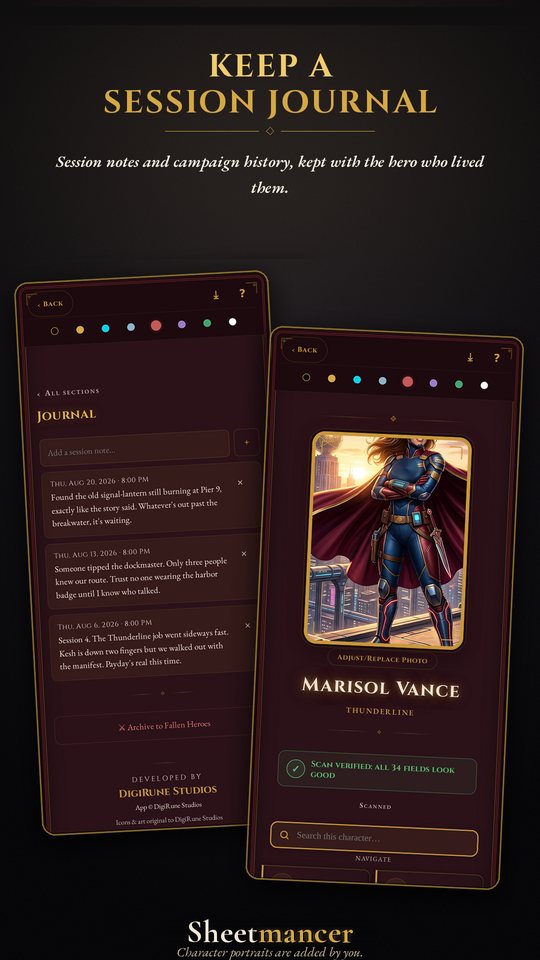
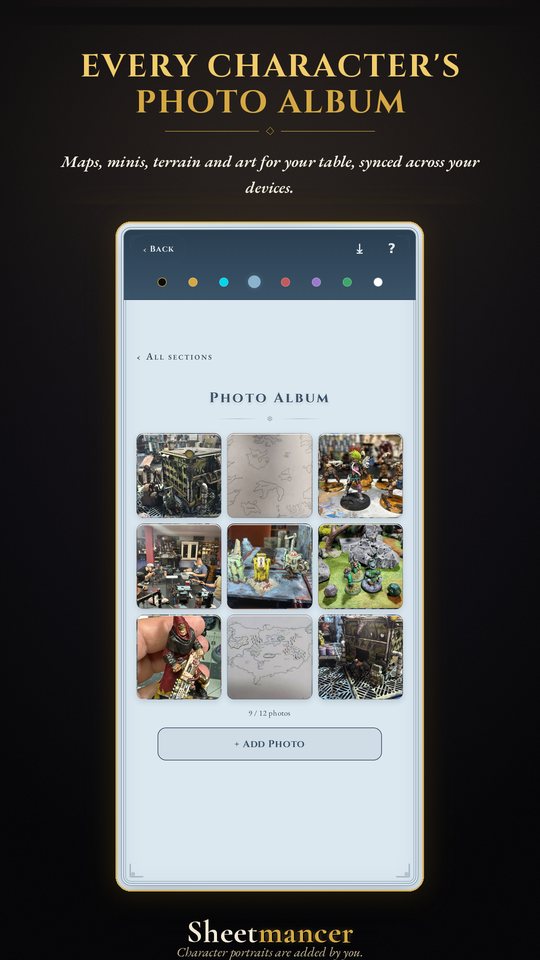
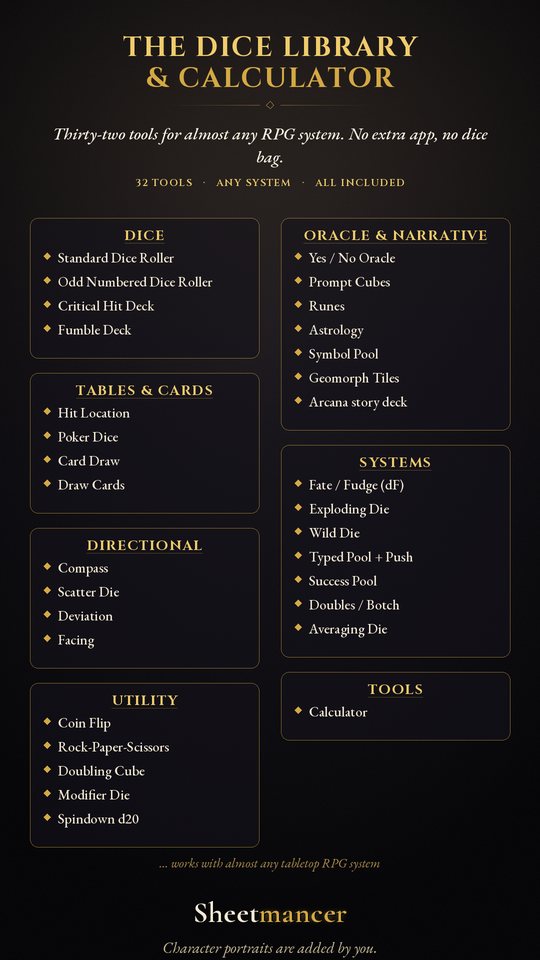
Click any shot for a larger view. The full-resolution set is in the screenshots ZIP.
Get Sheetmancer
Live now on both stores: $9.99, one time.
What it does
What it doesn't do: the honest limits
- It needs an internet connection to scan. The reading happens on a server, not on the phone. Everything else (viewing and editing your saved characters, the Dice Library, the journal) works without it.
- Messy handwriting produces mistakes. It's a reader, not a mind. Expect to glance over a scanned character and fix a field or two, the same way you'd proofread a photocopy.
- A dense, multi-page character takes a couple of minutes, not a couple of seconds. Ten crowded pages is real work.
- One scan, one character. It won't digitize a whole party in a single pass.
I'd rather you knew all of this going in than ran into it mid-review.
How the scan works
Sheetmancer uses a machine-vision model to read photos of a character you already own and drop that text into editable fields. That's the only thing the technology does here: read pages you chose to photograph. It is the same job a document scanner or a visual-lookup app does.
It does not generate characters, art, rules, or lore. It doesn't write anything that wasn't already on your paper, and every field is yours to correct by hand afterwards. The app's own artwork and icons weren't made with generative AI.
Exactly how your data is handled is spelled out in the Sheetmancer Privacy Policy, and you can delete your account and everything tied to it from inside the app whenever you want (instructions here).
Price and platforms
| App | $9.99, one time. No ads, no subscription. Includes three Character Scans (up to 10 pages each). |
|---|---|
| More scans | Extra scans are a one-time buy too, singly or in a five-pack. Optional: spend them on new characters or on adding pages to characters you already have. |
| Platforms | Android (Google Play) and iOS (Apple App Store). |
| Account | Sign in with Apple or Google (email and name only). Deletable in-app in about ten seconds. |
Assets
Use any of these freely in your coverage of Sheetmancer. I'd just ask you not to alter the icon or wordmark.
About the studio
DigiRune Studios is me, Will McCullough, working alone out of Beaufort, South Carolina. I build official companion apps for independent tabletop publishers, plus standalone tools like this one for the wider tabletop community. I made Sheetmancer for a simple reason: retyping a paper character into a computer is miserable, and I wanted the paper I already had to just become the digital version. It's a standalone app, no subscription; it reads the character you already own, whatever game it came from.
A bit about me: I'm a U.S. Marine veteran (Combat Engineer, Senior Drill Instructor), a 25-year entrepreneur, a developer and a lifelong tabletop gamer. Before DigiRune I was a broker-owner who represented 1,000+ real-estate clients, and as Governor-appointed Chairman of the State Athletic Commission I brought the first-ever UFC event to South Carolina. Precision and accountability were never optional in any of those roles, and they aren't here either.
Sheetmancer is a universal tool for tabletop roleplaying games and is not affiliated with, or endorsed by, any game publisher. Showing a licensed game's sheet being scanned is legitimate demo use; I keep publisher logos out of thumbnails.
Review codes
I'm glad to send a free code to anyone covering the app: no strings, and I'm not expecting a nice review. I'd genuinely rather you said it was rubbish than said nothing.
If you do cover it, U.S. disclosure rules ask that you tell your audience you got it free, something like “DigiRune Studios gave me this app for free,” said out loud rather than only in the description.